
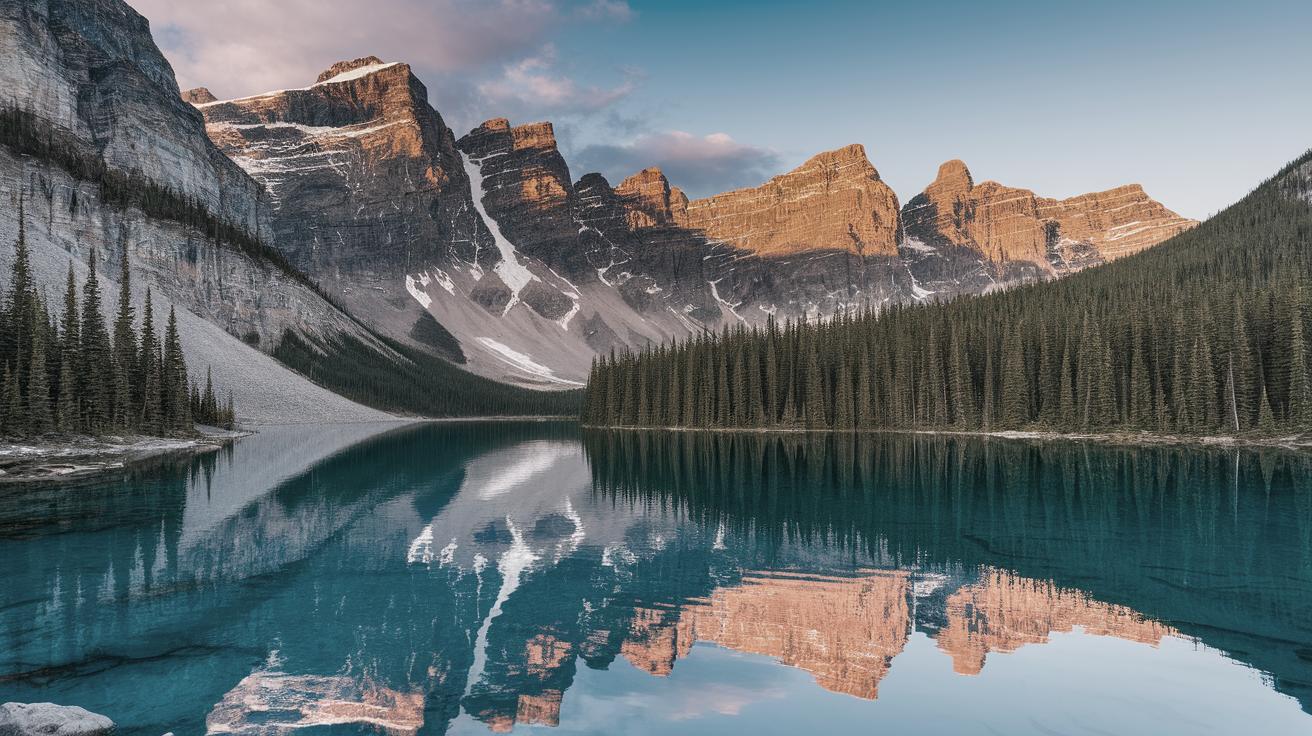
Transform Photos into Watercolors with a Free Photoshop Action
Welcome to the world of digital creativity, where transforming ordinary photos into stunning watercolor artworks is just a few clicks away! With the advent of Photoshop actions, artists and hobbyists can now bring the subtle beauty of watercolor to their digital canvas. This blog post explores a fantastic free Photoshop action that allows users to recreate the delicate washes and vibrant hues of watercolor paintings effortlessly. Through easy-to-follow steps, customizable options, and realistic results, you can turn any photograph into an artistic masterpiece that captures the essence of traditional painting. Whether you’re a seasoned designer or a beginner exploring the world of digital art, this action provides an accessible way to unleash your creativity.
Make Your Photo Painted with Watercolor!
Turning your favorite photos into watercolor paintings has never been easier. With this free Photoshop action, you can apply the painterly effect to any image, from portraits to landscapes. The watercolor style is well-loved for its fluid, translucent nature, and the action ensures your digital transformation retains these essential qualities. Whether you want to create a soft, dreamy look or a bold, expressive statement, this tool offers versatility.
Watercolor painting is loved for its ability to convey emotion and atmosphere, and replicating this effect digitally is both innovative and creatively exciting. By using this free action, you can produce stunning, hand-painted effects that will become unique pieces of art. Not only does this enhance the visual quality of your photos, but it also breathes fresh life into your social media posts, portfolios, and personal projects.
Easy to Use!
One of the standout features of this free Photoshop action is its user-friendly design. Tailored for users of all levels, the tool simplifies the watercolor transformation process, requiring no prior experience in digital art or advanced Photoshop skills. Simply upload your photo, start the action, and watch your image morph into a watercolor creation. The intuitive steps are easy to follow, making the action accessible to everyone.
Each stage of the process is clearly defined, meaning you can concentrate on the creative side rather than technical difficulties. This allows you the freedom to explore artistic options without the burden of a steep learning curve. Many users appreciate the seamless experience that saves time while still delivering high-quality results.
9 Premade Color Options
The free Photoshop action includes an array of nine premade color options, empowering you to experiment with different palettes and moods instantly. These options provide a starting point that can be further customized to suit your specific artistic needs. This flexibility is invaluable for users who want to tweak their artwork to achieve a particular look or feeling.
Whether you prefer the soft pastels common in classical watercolor art or more vibrant, modern tones, these nine options cater to a wide range of artistic tastes. By offering a variety of palettes, the Photoshop action ensures that each creation can be as unique as the artist behind it, inspiring personalized masterpieces each time.
+ Customize Results!
Beyond the premade options, the action allows you to customize the outcome further. Adjust settings such as intensity and detail to fit your artistic vision. This level of control provides endless opportunities to experiment and refine your artwork, ensuring every piece expresses your unique style.
Customization is a key aspect of digital art tools, and this Photoshop action does not disappoint. By granting artists the flexibility to adjust their creations, it enables them to explore new creative paths while developing their personal brand. This freedom results in pieces that are not only visually arresting but also deeply personal and meaningful.
The Realistic Effect of Watercolor Painting in Just a Couple of Seconds!
The realism achieved with this Photoshop action is remarkable, producing watercolor effects in moments that resemble traditional hand-painted works. The careful attention to detail in the action’s design means your photos will display authentic brush strokes and color grading, tricking the eye into believing the images are genuine watercolors.
The ability to generate professional-quality effects quickly makes this tool a favorite among digital artists and casual users alike. Its efficient transformation process saves time, allowing more focus on creative pursuits rather than technical execution. By simulating realistic watercolor, you have an endless array of possibilities to elevate your visual projects.
Really Easy to Use Action!
Designed with accessibility in mind, the action simplifies the conversion from photo to watercolor, requiring minimal effort to produce impressive results. The straightforward interface guides users through each step, ensuring clarity and ease of use, even for beginners unfamiliar with Photoshop’s vast capabilities.
The simplicity of use does not sacrifice the quality of output, which is a significant advantage for both amateur photographers and professionals looking to expand their creative horizons with minimal hassle. This bridge between ease and professionalism is what makes the free action a must-have addition to your digital toolkit.
Turn Your Regular Photos into Realistic Aquarelle Art!
With the watercolor action, you can venture beyond the typical digital art experiences and venture into the enchanting world of Aquarelle art—a French term for watercolor painting. This transformation transforms typical photographs into extraordinary, gallery-worthy pieces worthy of admiration and showcase.
By turning photos into Aquarelle art, you’re able to tap into the romantic and poetic nuances of traditional painting, reviving the classic beauty in contemporary formats. This convergence of old and new allows for endless creative expressions, making the familiar seem fresh while breathing new life into digital art possibilities.
What You Get:
When you download this free Photoshop action, you gain access to not only a transformative tool but also an expanded realm of creativity. The action includes clear instructions, ensuring users can hit the ground running, alongside ongoing support and updates to evolve with user feedback and emerging trends.
Whether you’re a hobbyist, professional photographer, or just looking to experiment with new forms of digital art, this watercolor action offers a gateway to fresh artistic endeavors. The combination of instant results, customizable features, and ease of use make it a valuable asset in any digital artist’s repertoire.
Final Thoughts
| Feature | Description |
|---|---|
| Ease of Use | Designed for all skill levels, providing a simple, intuitive process. |
| Premade Color Options | Includes 9 different palettes for instant artistic variation. |
| Customization | Options to fine-tune intensity and detail for personalized art. |
| Realism | Produces effects mimicking traditional watercolor with precision. |
| Speed | Converts photos quickly, saving time while ensuring quality output. |

